Replaced a PCM? Program It Without the Dealer
The job that is finished — except it isn't
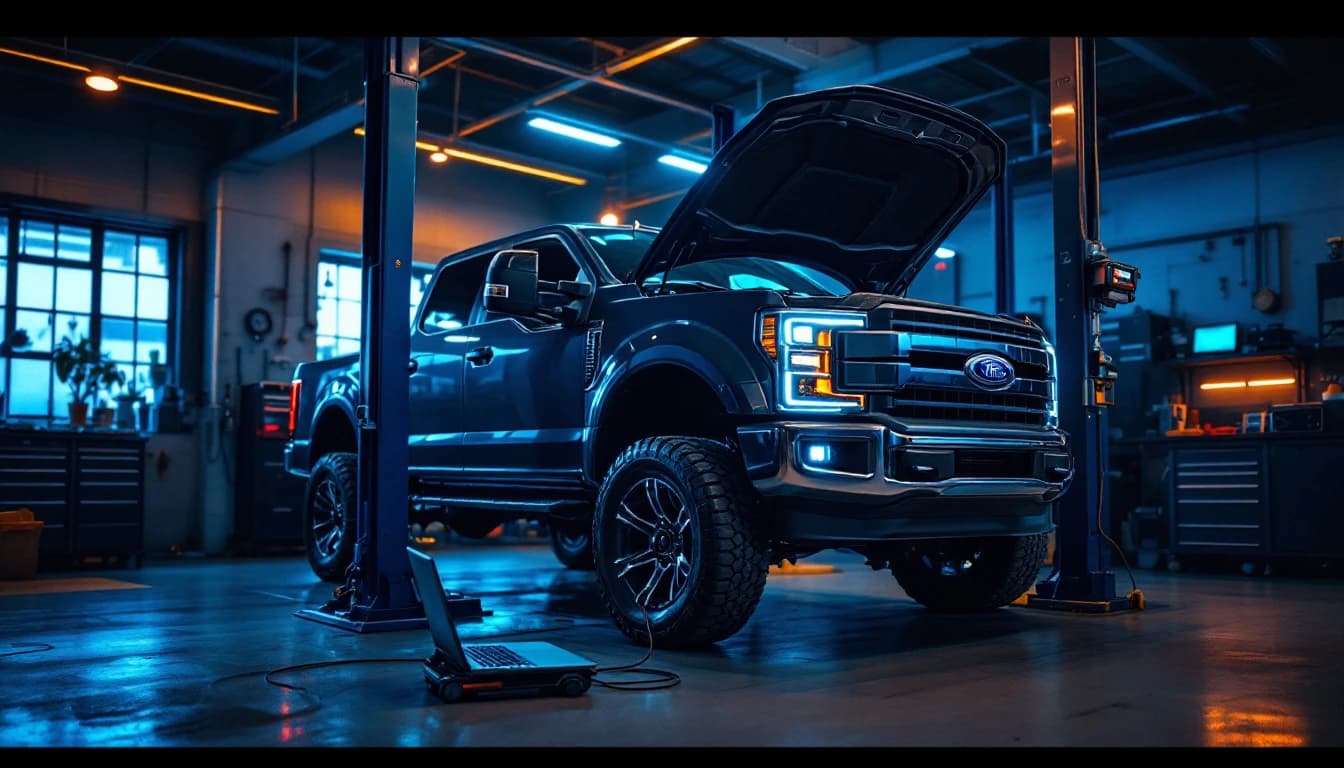
A Ford F-150 comes into your shop with a dead PCM. You diagnose it properly: power and grounds check out, the network is alive, the module is not. You quote the job, order a replacement, and install it. Mechanically, you are done. The old module is in the core box and the new one is torqued down with the connectors seated.
And the truck still is not ready to leave.
The replacement PCM does not know what vehicle it is in. Depending on the year and how the module was supplied, it may need software loaded, the VIN and configuration written, parameters carried over from the old module, and the anti-theft system taught to trust it. Until that happens you have a truck that cranks and refuses to start — or starts and runs badly, with a cluster full of warnings — and a customer who was told it would be done today.
This is the moment most independent shops hit the wall, because the fix is not a part. It is OEM programming, and doing it yourself has always meant owning a J2534 pass-thru interface, a Windows laptop, an OEM software subscription, and someone who knows their way around that manufacturer's tooling.
Here is the part that changed: you only actually need to supply the first two. The rest can come to you, over the internet, while the truck stays on your lift.
Two problems, one path
When a shop calls us in this situation, they usually have two problems stacked on top of each other:
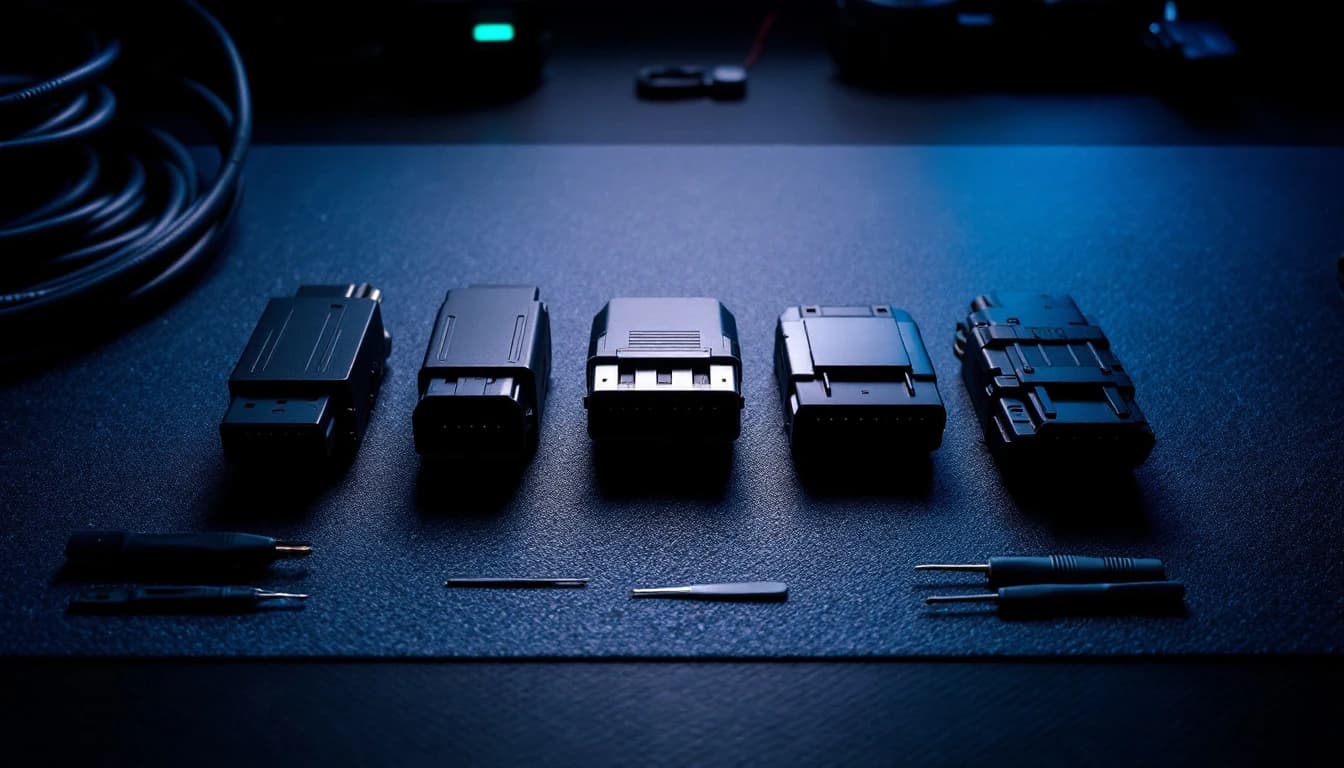
Problem #1 — no programming interface. A J2534 pass-thru is the piece of hardware that connects the vehicle's diagnostic port to a computer running the manufacturer's software. Without one, nobody can program anything. We sell them — configured, tested, and shipped to your shop, with kits starting at $199.
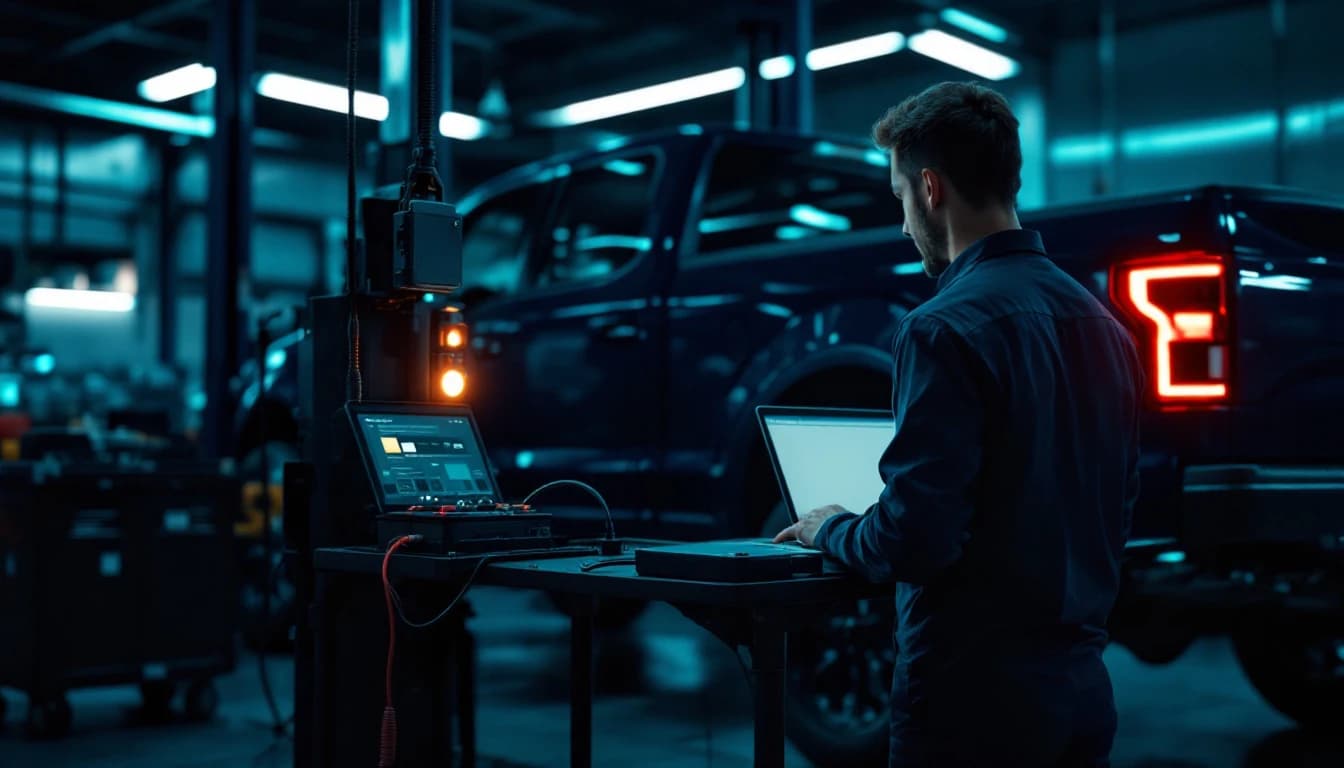
Problem #2 — nobody on staff runs FDRS or SPS2 every week. OEM programming environments are their own trade. Even with the right hardware on the bench, working through a Ford PMI or a GM SPS2 session for the first time, on a customer's vehicle, on a deadline, is not where anyone wants to learn. So once the interface arrives, our technicians connect remotely and run the supported procedure while your tech watches.
And then the part shops do not expect:
You're not renting the tool. You own it.
Use it on the next vehicle. And the next one. When you need programming help again, connect it, contact Auto Module Lab, and pay for the job — not for the hardware you already bought once.
The five steps, start to finish
1. Replace the module. You have already done this part. It applies to far more than PCMs: ECM, TCM, BCM, ABS, PSCM, gateway modules, body modules and other supported controllers all commonly need programming or configuration after replacement.
2. Order the correct programming interface. If you already own a compatible J2534, skip straight to step 4. If not, pick the kit that matches your work: the Domestic Kit for Ford, GM and Chrysler shops, the Multi-Brand Kit for mixed European and Asian work, or the Complete Shop Kit for both. The comparison table on the kits page walks through which interface covers what — including the one important Ford wrinkle, covered below.
3. We ship it directly to your shop. The kit arrives set up, with drivers sorted and the connection verified before your first session, so day one is not spent troubleshooting USB drivers.
4. Connect the car. The chain is short:
5. We program it remotely. Your tech stays with the vehicle to cycle the ignition and confirm what the procedure asks for; our technician drives the OEM software. When the supported procedure is complete and verified, the session ends — and the interface goes in your toolbox, not back in a return box.
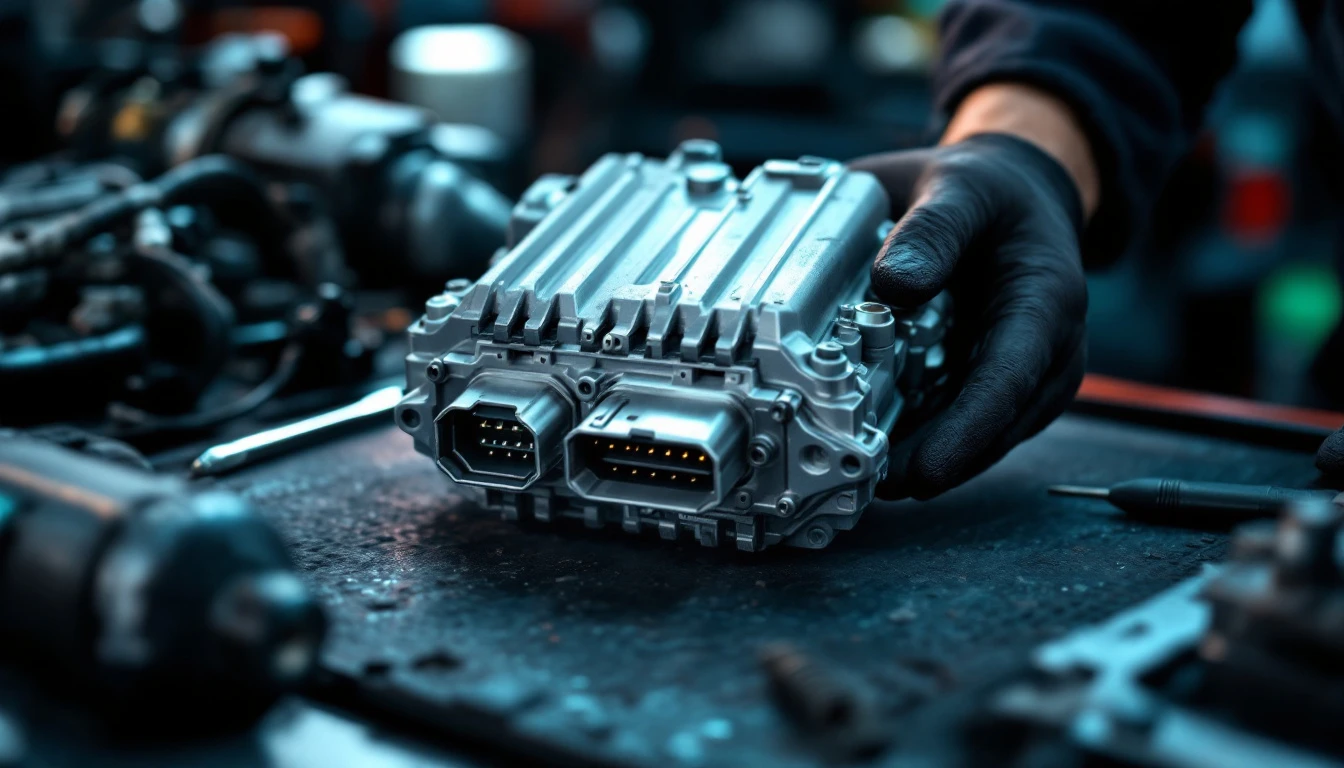
Worked example: a replacement Ford PCM
Ford is worth walking through because it is the platform where shops most often discover this problem, and because it has a hardware wrinkle that catches people.
The truck arrives with a confirmed PCM failure. You install the replacement — new from Ford, or a programmed-to-VIN unit. Depending on the model year, how the module was supplied, and what Ford's service procedure specifies, finishing the job may involve:
- programming the module with current software
- PMI — Ford's Programmable Module Installation, which carries configuration from the old module or Ford's As-Built data onto the new one
- calibration updates to the latest level
- VIN and configuration writes
- parameter setup and initialization
- security-related steps where applicable and authorized
- relearns the software prescribes afterward (idle, fuel trim, transmission adaptation as applicable)
If you do not own appropriate hardware, this is a Domestic Remote Programming Kit job — the RLink X3 in that kit is built for Ford, GM and Chrysler work, including Ford FEPS support where applicable, which the standard multi-brand RLink J2534 does not offer. That distinction matters on Ford programming specifically, and it is the single most common way shops buy the wrong interface.
Once the kit arrives, the session looks like this:
- Connect a proper programming power supply or battery maintainer to the truck
- Plug the J2534 into the OBD-II port
- Connect the Windows laptop over USB
- Confirm stable internet
- Contact Auto Module Lab and open the session
- Our technician performs the supported remote procedure while yours watches
- Verify module operation, clear codes, run the prescribed relearns
One honesty note on timing, because other providers like to promise miracles: once the vehicle, laptop and interface are ready, some straightforward programming procedures complete in roughly 15–30 minutes. More complex programming, large software downloads, security access steps, relearns, or OEM server delays can take meaningfully longer. Plan the bay accordingly and nobody has a bad day.
What this sets your shop up for
The second time a programming job lands in your bay, the story is different. No hardware to order, no waiting on shipping — connect the interface you already own, contact us, and pay for the programming job itself. That is the whole model: hardware once, programming whenever you need it.
Shops that get comfortable with this stop declining work. The transmission job that needs a TCM programmed, the Chrysler with a replaced BCM waiting on a PROXI alignment, the GM cluster that needs setup — jobs that used to leave on a flatbed to the dealer stay on your schedule and your invoice. If you want the business-owner view of what that does to a shop's economics, we wrote a whole article on adding OEM programming capability without hiring a programmer.
A few honest boundaries, so expectations are set before the session and not during it. Supported procedures vary by vehicle, module, OEM software and security requirements — not every operation on every platform can be done remotely. OEM subscriptions and security credentials may be required for some procedures and are separate unless stated. And a module that no longer communicates at all is not a remote job; that one is a bench job, which is the other half of what we do — mail it in.
Frequently asked questions
Does a replacement PCM need programming? Usually, yes. Most modern replacement PCMs — new or used — need software loaded and the vehicle's VIN and configuration written before the engine will start and run correctly, and many platforms also require immobilizer steps and relearns. A very small number of direct-swap situations exist on older vehicles, but on anything recent, plan on programming being part of the job.
Can a replacement module be programmed remotely? In many cases, yes. If the module communicates on the network and the OEM software supports the procedure over OBD, our technician can perform it through your J2534 interface while the vehicle sits in your shop. Coverage varies by vehicle, module and procedure, so when in doubt, ask us before you book the bay time.
What if I don't own a J2534? That is exactly what the programming kits exist for. We sell the interface configured and session-ready, ship it to your shop, and then handle the programming remotely through it. You are not buying a tool to figure out alone.
Do I keep the interface after the programming is done? Yes. The interface is yours the moment you buy it. There is no rental, no return label, and no subscription attached to the hardware. Keep it on the bench for the next job.
Can I use the same J2534 on another car? Yes — that is the point of owning one. A J2534 interface is not tied to a single VIN. The same unit connects to the next supported vehicle that needs programming, and the one after that. Which vehicles a given interface covers depends on the device, which is why the kits page compares the two before you buy.
How long does remote programming take? Once the vehicle, laptop and interface are ready, straightforward procedures often complete in about 15–30 minutes. Bigger software downloads, security steps, relearns, or slow OEM servers can stretch that considerably. We tell you what to expect for your specific job before the session starts.
Do I need a battery maintainer? For module flashing and programming, yes — treat it as required. A voltage dip mid-write is the classic way a programming session turns into a bricked module, and a proper programming power supply is cheap insurance against the most expensive failure mode this work has.
Can Auto Module Lab program every module on every vehicle? No, and nobody honest claims otherwise. Coverage depends on the vehicle, the module, the OEM software, subscriptions, security authorization and the specific procedure. When we cannot do a job remotely we say so up front — and if it is a bench-level problem like a dead or locked module, our mail-in services usually pick up exactly where the remote session cannot.
The bottom line
A replacement module is only half a repair — the programming and configuration are what finish it. Owning a J2534 interface turns that half from a job you sublet into a job you keep, because the interface carries the session and our technicians run the supported procedure remotely while the vehicle stays on your lift.
The interface is a one-time purchase; the programming is priced per job.
What do you need?
I don't own a J2534
Get a programming kit — configured, shipped, and yours to keep.
Get a Programming KitI already own a J2534
Connect it and have our technicians program the vehicle remotely.
Request Remote ProgrammingI'm not sure
Tell us the vehicles you see and we will say what fits — no charge.
Ask Auto Module LabBuy once. Program with us anytime.
Kits from $199 ship configured and session-ready — add your first programming session in the same checkout, and keep the interface for every job after.