What Is a J2534 Pass-Thru? A Repair Shop Guide
The bridge, not the brains
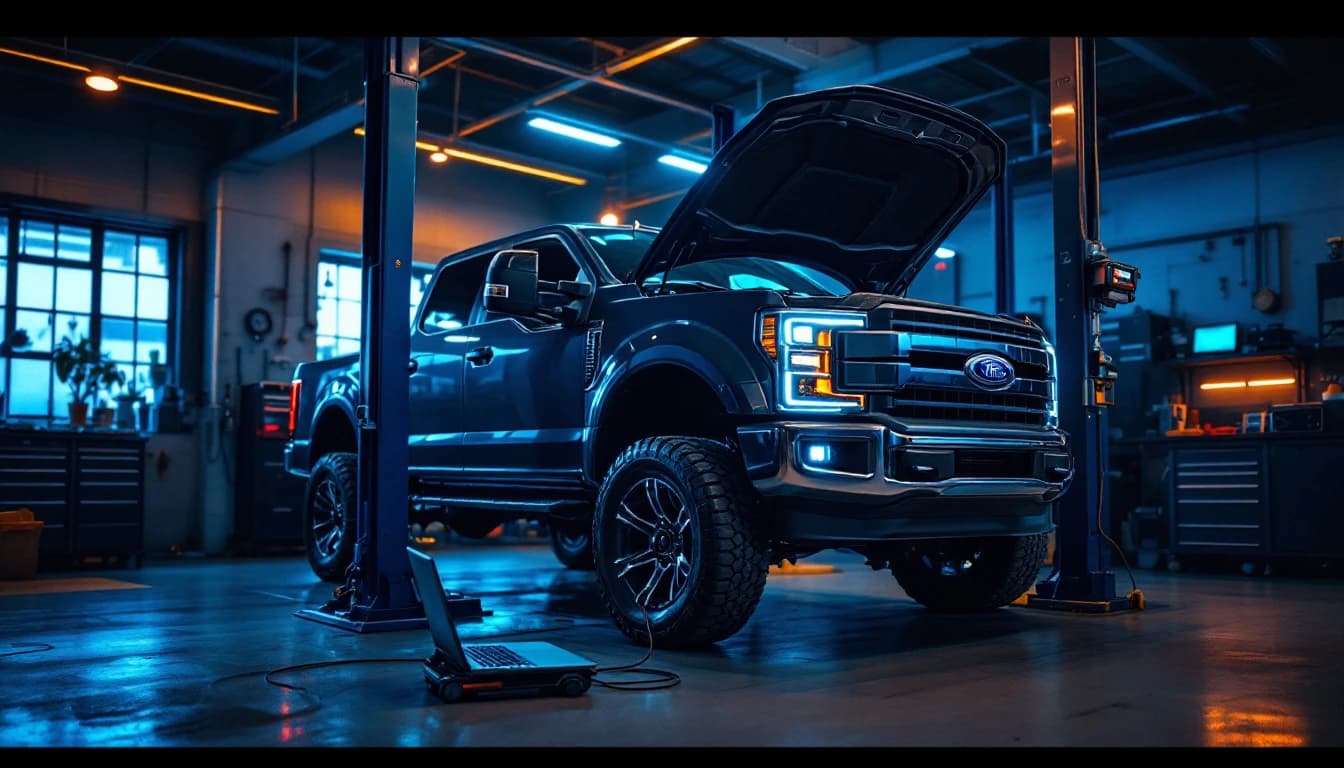
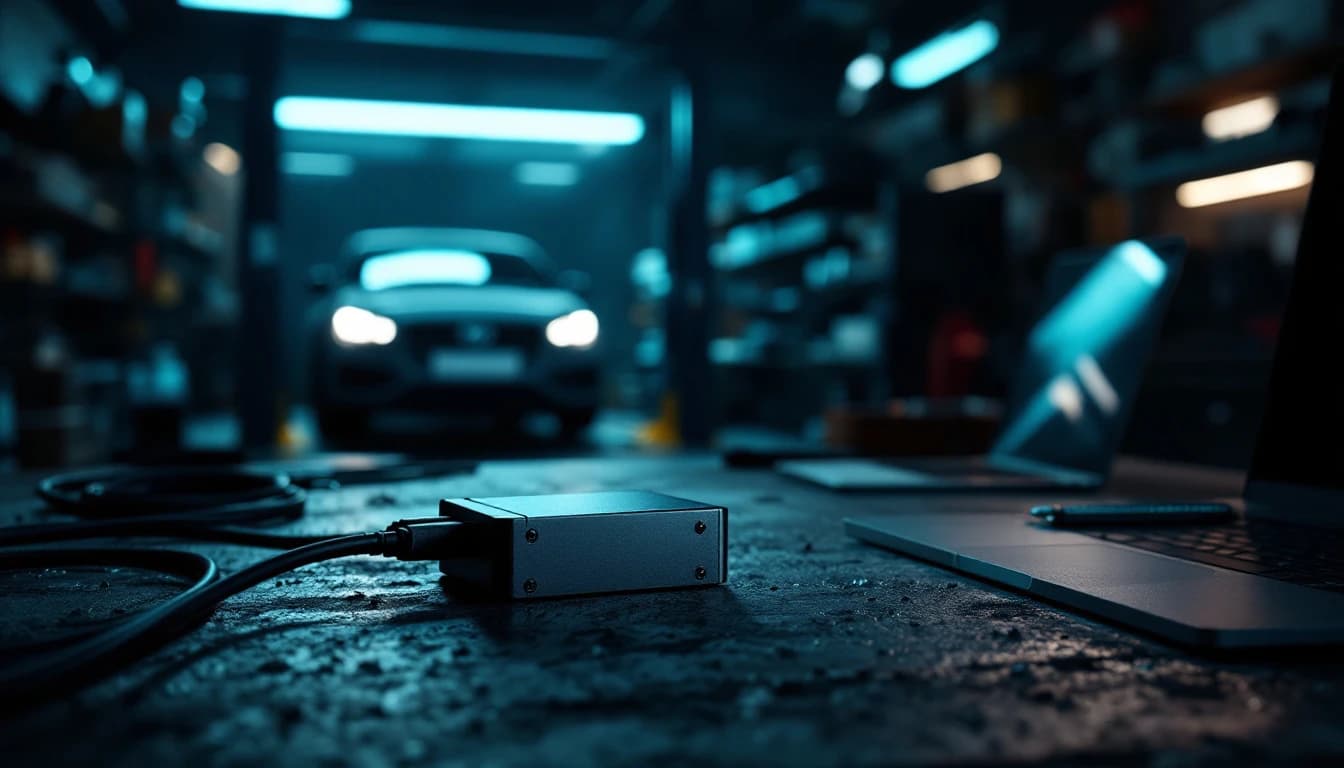
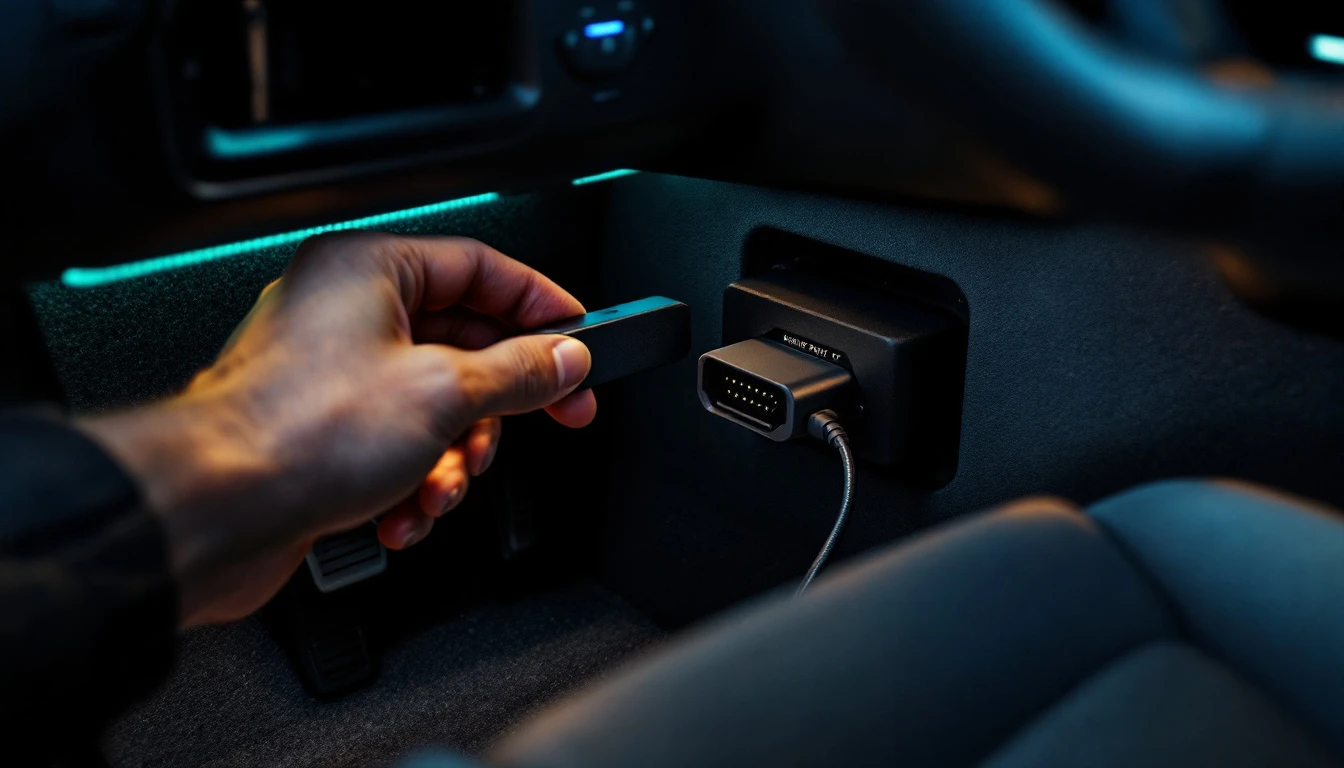
Strip away the standards-body language and a J2534 pass-thru is one thing: the bridge between the vehicle and OEM programming software running on a Windows computer.
That framing matters because of what it tells you the device does not do. The interface is not doing the programming. It has no opinions about your PCM. It converts between the vehicle's networks on one side and USB on the other, and passes messages through — hence "pass-thru." The intelligence lives in the manufacturer's software on the laptop: Ford's FDRS, GM's Techline Connect, Stellantis' wiTECH environment, Toyota's Techstream, and their counterparts from Honda, Nissan, BMW, Mercedes-Benz, VW/Audi and other supported OEMs, depending on hardware and software compatibility.
The standard exists because of a piece of regulatory history worth knowing: US emissions rules required manufacturers to give independent repair shops a way to reprogram emissions-related modules without dealer-only tools. SAE J2534 defined the common interface layer, the OEMs shipped software that talks to any compliant device, and the practical result is that an independent shop with the right interface and the right subscription can load factory software into a module the same way a dealer tech does.
That is the promise. The fine print — and the reason a buying decision exists at all — is that "compliant device" covers a wide range of capability, and vehicles have not stood still since the standard was written.
Where the pieces sit
Two practical consequences fall out of this architecture. First, the laptop and its internet connection matter as much as the interface — the OEM software pulls calibrations from the manufacturer's servers during the session. Second, because everything above the interface is just software and network, the person driving that software does not have to be in your building. That is the entire basis of remote programming: your interface, your laptop, our technician.
What shops actually use one for
The honest list is long, which is rather the point:
- PCM / ECM flashing — loading or updating engine module software
- Calibration updates — the TSB fix that is a file, not a part
- TCM programming and transmission adaptive resets
- BCM replacement setup — including the configuration procedures platforms like Stellantis handle through PROXI alignment
- ABS and PSCM programming after module replacement
- Module replacement procedures generally — the family of jobs our customer-journey article walks through end to end
- Ford PMI — Programmable Module Installation, carrying configuration onto a replacement module
- GM SPS2 programming and setup through Techline Connect
- VIN-related setup, configuration, initialization and the relearns that follow
One sentence of precision that saves a lot of money: a J2534 interface does not mean every interface supports every manufacturer, protocol or procedure. Compatibility varies by device — by protocol support, by voltage-control features some OEM procedures require, and by what the manufacturer's software recognizes. Which brings us to the two-device question.
The old workflow and the new one
Before comparing hardware, it is worth being clear about what owning any of it changes.
The old workflow: replace the module → discover programming is required → tow the car to the dealer, or wait for a mobile programmer's schedule → pay them → wait → the customer waits → the bay is blocked or the car is gone.
The new workflow: replace the module → connect the J2534 → contact Auto Module Lab → remote programming happens through your interface → the vehicle never leaves your shop.
The difference is not just the invoice for the programming itself. It is who controls the schedule, whose lift the car occupies, and whether the customer hears "done tomorrow" or "it depends on the dealer."
The two interfaces we sell, and the one distinction that matters
We stock two TOPDON devices because between them they cover the two shapes of shop we actually meet. Full specs and pricing live on the programming kits page; this is the decision logic.
TOPDON RLink X3 — the domestic specialist
The X3 is built for Ford, Lincoln, GM, Chevrolet, GMC, Cadillac, Buick, Chrysler, Dodge, Jeep and RAM work. It speaks J2534 with CAN-FD, runs Ford FDRS and FJDS workflows, handles GM's Techline Connect / SPS2, and covers Chrysler/Stellantis J2534 procedures.
Its headline feature is easy to miss on a spec sheet: Ford FEPS support where officially applicable. FEPS is the programming-voltage signal a range of Ford procedures require, and hardware without it simply cannot complete those jobs.
TOPDON RLink J2534 — the multi-brand generalist
The standard RLink J2534 is the broader-coverage device: J2534 with CAN-FD, plus DoIP and D-PDU where supported — the newer transport layers that late-model European and Asian platforms increasingly require. That makes it the fit for shops seeing Toyota, Honda, Nissan, BMW, Mercedes-Benz, VW/Audi, Volvo and similar work alongside domestics.
And here is the unusual part, stated as plainly as TOPDON states it: the standard RLink J2534 does not support Ford FEPS programming. The bigger, broader, more expensive device is not the superset on Ford. For FEPS-dependent Ford work, the X3 is the correct tool — which is exactly why the Complete Shop Kit pairs both rather than pretending one device does everything.
Which should your shop buy?
Every kit ships configured, with setup assistance, driver installation help and a verified connection — and the interface is yours permanently. Buying the hardware does not include unlimited programming: remote programming jobs are separate, per-job services, and OEM subscriptions or security access can be additional depending on the procedure. That split is deliberate and it is the honest one — you own the equipment outright, and you pay for expertise only when you use it. The shop economics article works through what that model does to a repair business over a year.
Frequently asked questions
What does J2534 mean? It is the SAE standard number for the pass-thru reprogramming interface — the specification that lets one compliant hardware device work with many manufacturers' programming software. In shop conversation, "a J2534" just means a pass-thru interface built to that standard.
Is a J2534 the same as a scan tool? No. A scan tool interprets — it reads codes and data and presents them to you. A J2534 pass-thru is a conduit for the OEM's own software to talk to the vehicle, which is what module programming requires. Some multi-function tools contain both capabilities, but the roles are distinct.
Does every J2534 work with every car? No, and this is the most expensive misunderstanding in the category. Devices differ in protocol support (CAN-FD, DoIP, D-PDU), in OEM-specific requirements like Ford's FEPS programming voltage, and in what each manufacturer's software accepts. Match the interface to the work — or ask us before buying, which costs nothing.
What is CAN-FD? CAN with Flexible Data-rate — the faster evolution of the classic CAN bus, carrying larger frames at higher speed. Many late-model vehicles, GM prominently among them, require CAN-FD support for programming. Both interfaces we sell speak it.
What is DoIP? Diagnostics over Internet Protocol — vehicle diagnostics and programming carried over automotive Ethernet rather than CAN. Newer European platforms in particular lean on it. Among our two devices it is the standard RLink J2534 that offers DoIP where supported, not the X3.
What's the difference between the RLink X3 and the RLink J2534? The X3 is domestic-focused — Ford, GM, Stellantis — and supports Ford FEPS where applicable. The standard RLink J2534 covers a broader OEM range and adds DoIP and D-PDU, but does not support Ford FEPS. Neither is "better"; they are aimed at different work, and the comparison table puts them side by side.
Can a J2534 program keys? Sometimes — with heavy caveats. The interface is only the communication path; key and immobilizer functions depend on the OEM software, the vehicle, security access requirements, and in many cases credentials or authorizations beyond the hardware. Some platforms support immobilizer work over J2534, others gate it entirely. Ask about your specific vehicle rather than assuming, and for dead or locked immobilizer modules there is always the bench route.
Do I need OEM software? For factory-level programming, yes — the J2534 is useless without software to drive it, and subscriptions are typically short-term purchases per manufacturer. This is also exactly the burden remote programming lifts: in a remote session, our technicians operate the OEM environment, so your shop does not need to maintain subscriptions and fluency across every manufacturer you touch.
The bottom line
A J2534 pass-thru is the bridge, not the brain: it carries the communication while the manufacturer's own software does the programming. That distinction is what decides which interface you need, because coverage varies by protocol — modern work increasingly demands CAN-FD and DoIP, and some Ford procedures additionally require the FEPS programming-voltage signal.
Match the interface to the platforms you actually service before you buy.
What do you need?
I don't own a J2534
Get a programming kit — configured, shipped, and yours to keep.
Get a Programming KitI already own a J2534
Connect it and have our technicians program the vehicle remotely.
Request Remote ProgrammingI'm not sure
Tell us the vehicles you see and we will say what fits — no charge.
Ask Auto Module LabBuy once. Program with us anytime.
Kits from $199 ship configured and session-ready — add your first programming session in the same checkout, and keep the interface for every job after.